PortalRHRenner: The Complete Guide for Employees
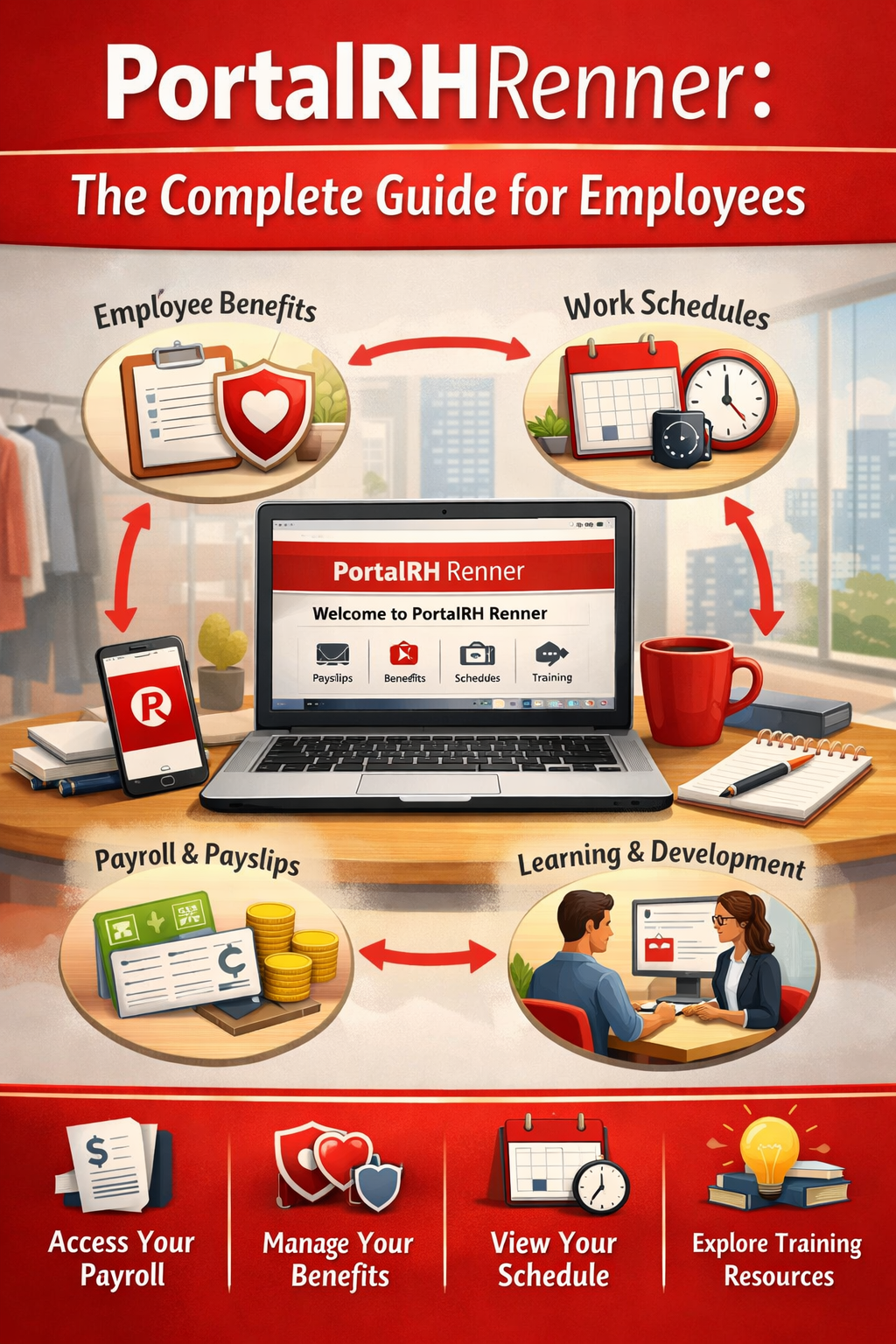
The PortalRHRenner is the official human resources self-service platform for employees (colaboradores) of Lojas Renner S.A. and its associated brands, including Camicado, Youcom, and Realize. This guide explains how to navigate the system to manage your career, access payments, and utilize company benefits.
1. What is PortalRHRenner?
The Portal RH, often referred to as the Colaborador Portal, serves as the central administrative hub for every staff member. It was developed to provide autonomy, allowing professionals to access their data independently without needing to contact the HR department for routine tasks.
The platform is accessible via web browsers and mobile devices, ensuring that employees can manage their professional information from anywhere.
2. How to Access the System
To log in, employees must use their standard corporate credentials provided during onboarding.
- Official Link: Visit the Lojas Renner SSO Login page.
- Identification: Enter your Login Corporativo (Corporate Network User).
- Password: Enter your Senha Corporativa (Corporate Password).
- Recovery: If you lose your credentials, use the “Esqueci Minha Senha” (Forgot My Password) or “Alterar Senha” (Change Password) options on the login screen.
3. Core Features and Functionalities
Inside the portal, employees find several essential tools for their daily work life:
Payroll and Tax Documentation
- Digital Pay Stubs (Holerites): View, consult, and download monthly payslips directly.
- Income Reports (Informe de Rendimentos): This document is required for annual Income Tax filings. For stockholders, these are managed via the Itaú Digital Correspondence Portal.
Time and Vacation Management
- Time Bank (Banco de Horas): Monitor overtime, compensatory time, and shift balances.
- Vacation Scheduling: Request and consult vacation periods in accordance with labor laws and company policies.
Professional Development
- Universidade Renner: The portal integrates with Universidade Renner, offering mandatory training and professional development courses to help employees grow within the company.
4. Employee Benefits Management
Lojas Renner offers a comprehensive benefits package managed through the portal or the SER (Sociedade de Empregados da Renner) mobile app:
- Meal and Food Vouchers: Provided with a symbolic discount as part of the employee’s package.
- Health and Wellness: Access to health insurance, dental plans, and fitness benefits via Gympass.
- Financial Assistance: Options for payroll-deducted loans (empréstimo consignado) with competitive rates.
- Extra Income: Through the “Minha Sacola” program, employees can sell products via personalized links and earn commissions.
5. Frequently Asked Questions (FAQs)
How do I view my pay stub if I am not at the store?
You can access the PortalRHRenner from any computer or smartphone with internet access using your corporate login.
What should I do if the portal is down?
In case of instability, the company recommends waiting a few minutes before trying again. If the issue persists, contact internal IT support or the Renner Help Center.
Can former employees still access the portal?
Typically, access is deactivated after termination. Former employees needing income reports should contact HR channels directly or use the bank’s digital correspondence portal.
Where can I check my SER benefit card balance?
The balance and statement for the SER benefits card are best consulted through the dedicated SER Mobile App.
Conclusion
The PortalRHRenner is an indispensable tool for transparency and efficiency in the relationship between the company and its staff. By keeping your data updated and utilizing the training tools available through Universidade Renner, you ensure effective management of your professional life within one of Brazil’s largest retail ecosystems.

Post Comment